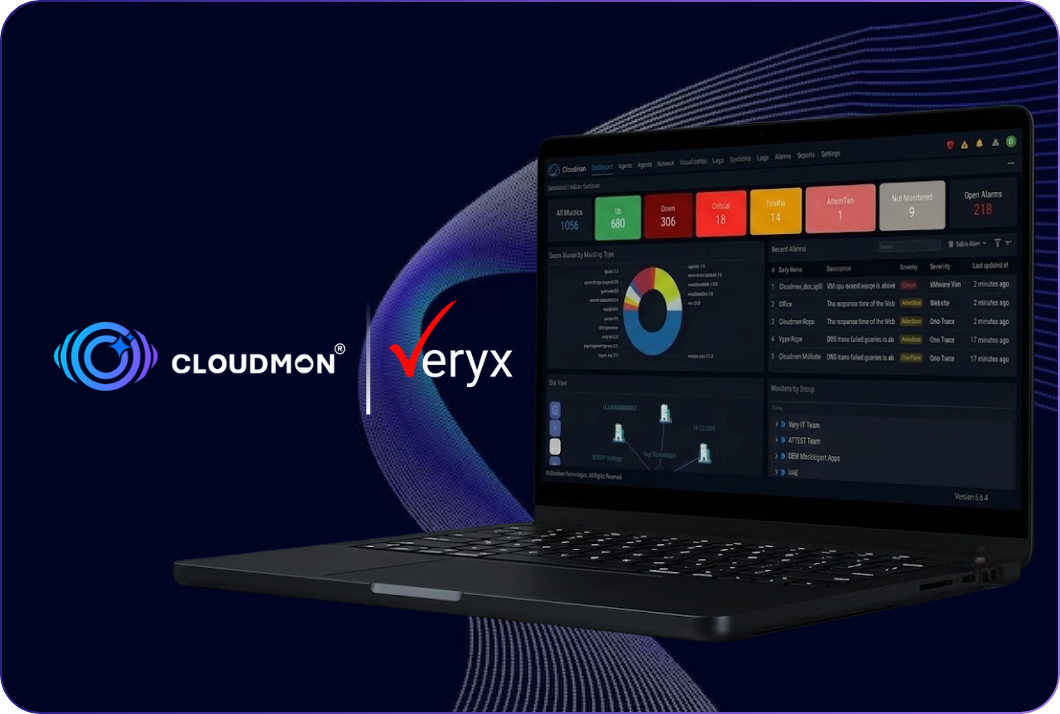

Cloudmon brings AI into IT operations on your terms. Monitor the GPUs your AI workloads run on, query your environment in plain language, connect the GenAI provider you already trust, or keep everything offline.

Custom models, including self-hosted and compatible model endpoints
The Cloudmon AI assistant is built into the console. Ask it to summarise data, work through root cause analysis, troubleshoot an issue or answer an operational query, without building a report or a filter first.
Built-in privacy guardrails mask personally identifiable and sensitive infrastructure information, such as IP addresses, hostnames, usernames and email addresses.
You ask in
ChatGPT, Claude and others
Connected through
Built in, with a ready connector
Answered from
Monitors, alarms, metrics, dashboards and reports
Not every environment can send data to an external model. Cloudmon's built-in intelligence analyses your monitoring data, generates actionable insights, identifies potential issues and provides recommendations, all inside the platform.
It requires no external GenAI service and no internet connectivity.
Frequently asked questions

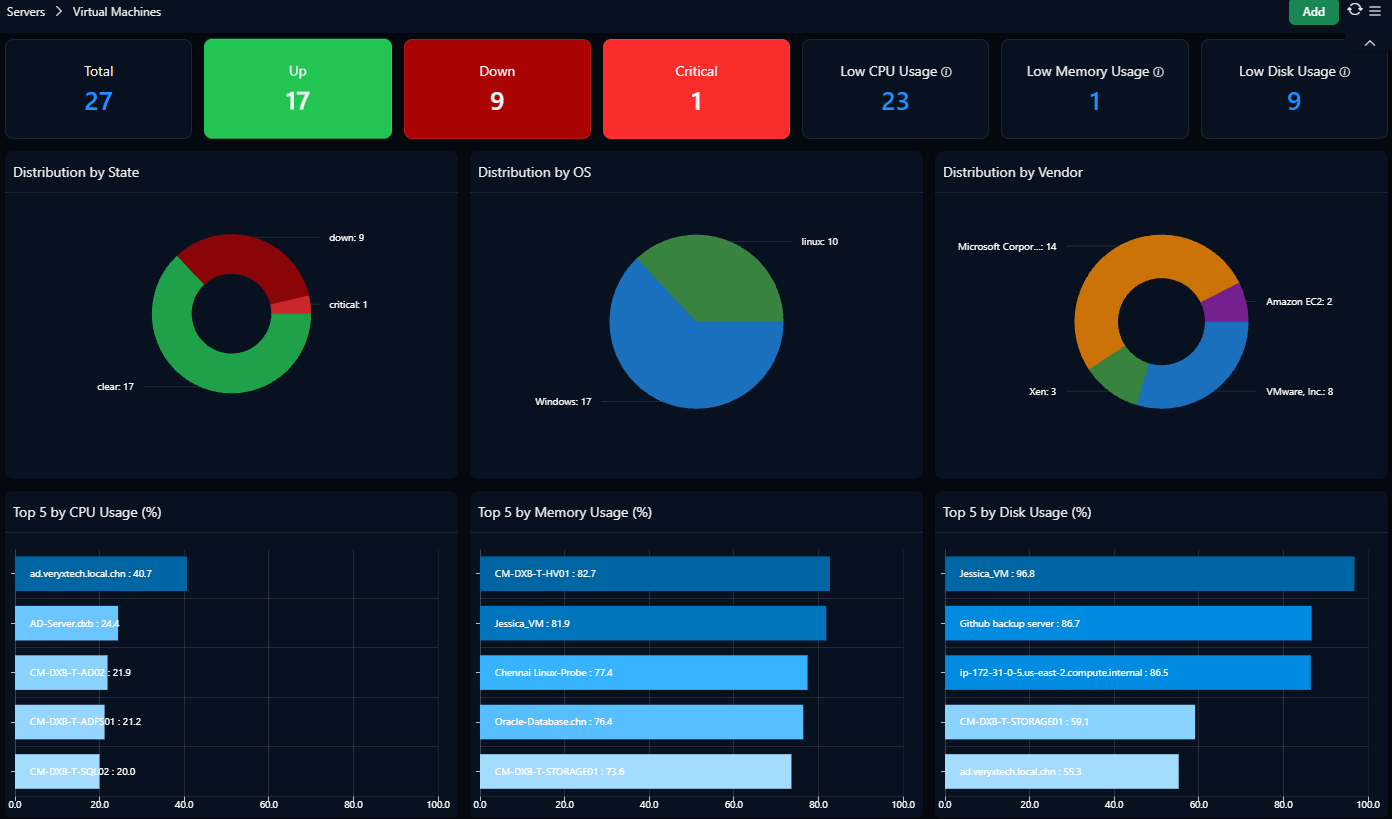
Infrastructure monitoring tracks the health and performanceof servers, virtual machines, hypervisors, cloud resources and endpoints. Cloudmon collects these metrics in one platform so teams can spot capacity and availability problems before they cause outages.

No. The agent gives the deepest server visibility, but Cloudmon also monitors agentlessly through WMI for Windows, VMware APIs for vCenter and ESXi, SNMP for network devices, and cloud APIs for AWS and Azure.
VMware vCenter and ESXi, Nutanix through Prism Central, and Microsoft Hyper-V, all in the same console.
Yes, and Oracle Cloud Infrastructure too. Cloud resources appear alongside on-premises and virtualized infrastructure in one view. See the Cloud Monitoring page for the services covered.
The agent needs a 64-bit CPU, 128 MB of RAM and under 200 MB of disk.

Hey, I’m Cloudmon’s AI assistant. Cloudmon unifies visibility across IT, OT, and IoT to reduce IT OPEX and strengthen security from a single platform.
How can I help you today?
🗓️ Book a demo
Introduce yourself to begin chatting with the AI assistant